Digital marketing: Making profiles and reviews easy for Google AI to find
Wed 2nd Sep 2026 by Katrina Bell
Digital marketing: Making profiles and reviews easy for Google AI to find

In part 3 of 4 articles on how AI will impact your business, Katrina Bell explains how Google’s new rules will affect your profile and reviews, and explains how to make them search question friendly.
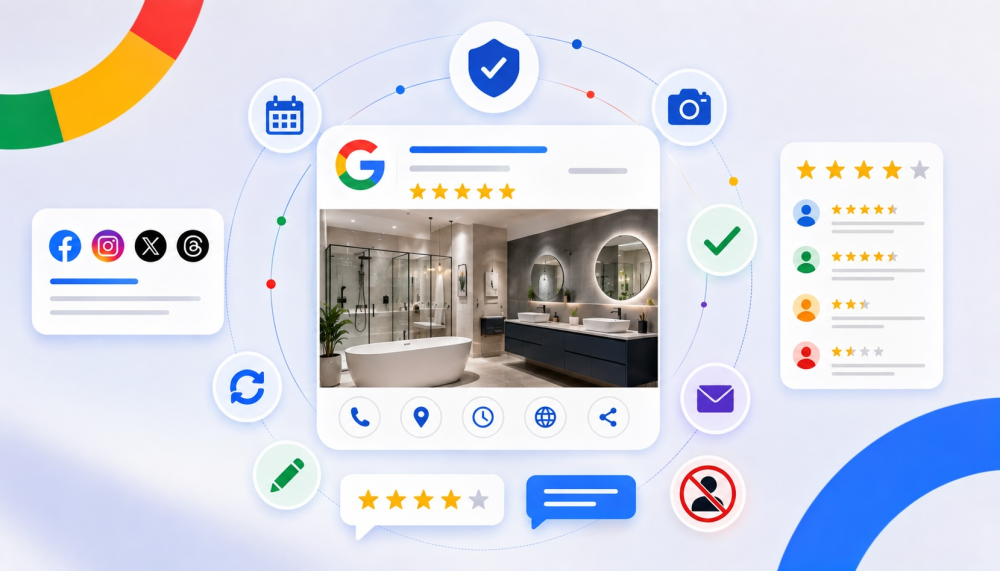
There is a whole tranche of new guidelines surrounding Google business profiles and reviews and it’s predicted there are more to come. Here’s what we know so far, starting with business profiles...
1 - Your business profile – BP – is your storefront, your website is what consumers will experience once they are through the door. Which means your website has to have a page that matches all the information on your BP. Word for word. Every category, every service.
2 - Set your calendar reminders – leaving your BP unattended for 30 days is not allowed. You need “freshness”, whatever that means. It does mean that if Google asks you to verify Bank Holiday hours, for instance, don’t ignore it.
3 - Check that all your social profiles are listed on your Google profile. Do not rely on AI images, you need at least one real photo a month.
Now on to reviews...
Google has also got its teeth into your business reviews and if you don’t follow the new rules, they might well delete them all on the grounds of manipulation. You care about this because you can’t rank on AI-driven results without reviews, so this is something you need to address now. The main changes are:
1 - You can’t offer incentives for people to leave reviews – this includes payments, discounts, free goods or services.
2 - You must not discourage or prohibit negative reviews from customers or prioritise positive reviews. This is known as Review Gating. In practical terms, you have to ask every customer for a review if you do this digitally, even if the process did not go as well as you would like.
3 - You can’t ask your customer to leave a review in person, for instance when they are in-store. This is in case they get a dose of ‘Awkwardness’.
Nor can you ask that specific content be included. That might include suggesting they put your business name in the title or focus on a specific service. This is the exact opposite to TrustPilot or AirBnB, for instance, that offers up keywords as you write your review in a ‘Other reviewers mentioned’ panel.
How do they even know you may have done this? Blame geotagging. Google has your business addresses, so if somebody leaves a review in the vicinity, it gets geotagged. This also rules out the use of in-store review stations or tablets.
Here’s what you can do: wait 2 hours, send a text or email and then request a review.
4 - Specific members of staff cannot be name-checked, which sounds crazy. If your salesperson is knocking their customer service out of the park, shouldn’t this be a selling point?
And don’t be tempted to ask family, friends or contractors to leave reviews. This rule comes under ‘actively enforced’, which truly is one naughty step away from being deleted.
5 - Any odd spikes in the number of reviews, which might just be because you have only just got around to emailing customers for feedback, could trigger ‘automated removal’. Yikes.
Tags: insight, features, digital marketing, google ai, kitchens, bathrooms

In Other News




Sign up to our newsletter
Most Read